Moderator Preference
This guide helps you to understand the Moderator Preference area.
|
The Moderator Preference area is only accessible if you are part of the Moderator Group. |
Where To Find The Functions
Open the Moderators section in the conference navigation and select Moderator Preference.
The page is split into two areas:
-
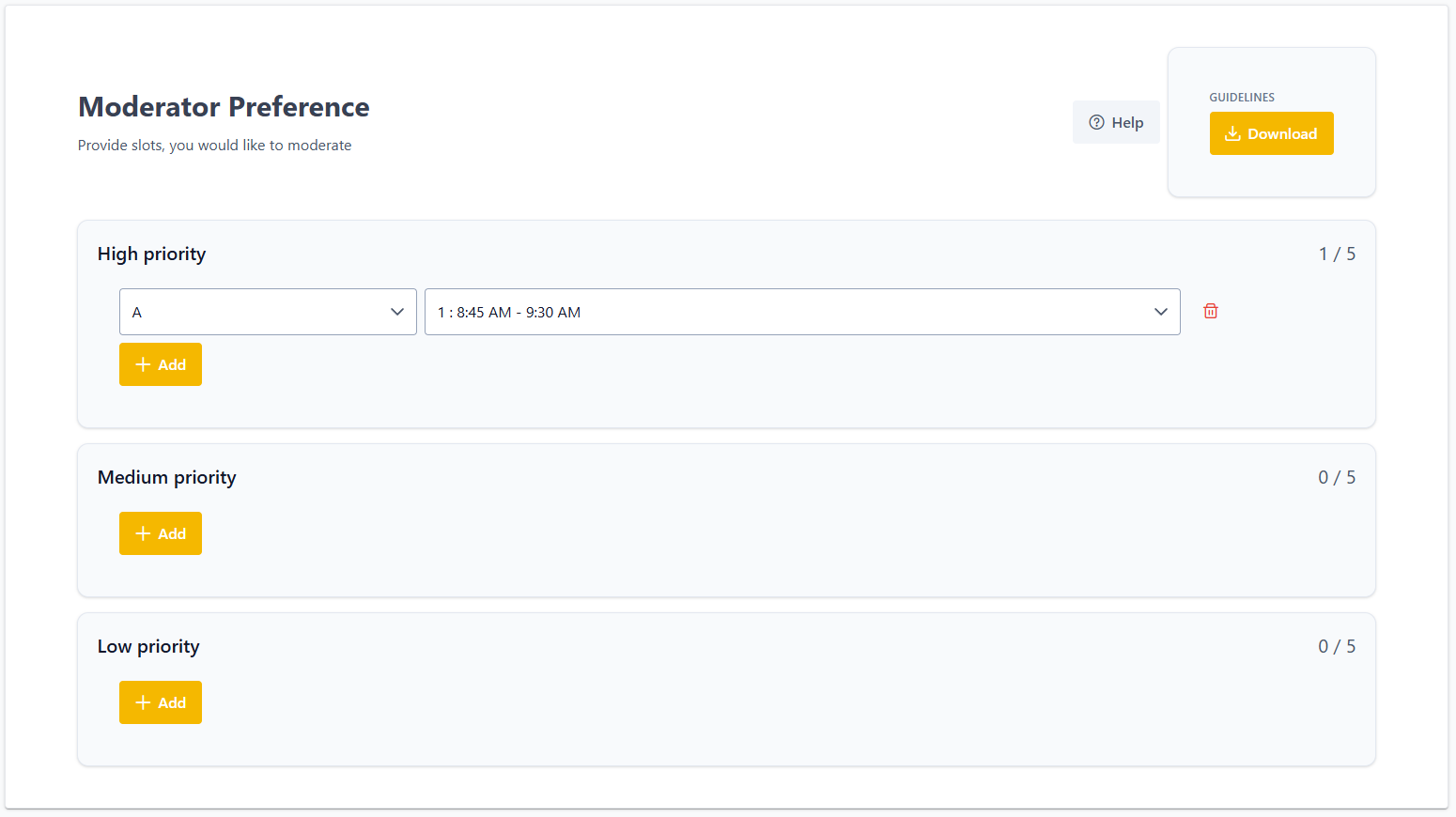
Moderator Preference: You may define a set of preferred talk-slots that you would like to moderate. There is also a link to this wiki-page. If a guidelines file was uploaded beforehand, there is a download of that file.
-
Talk assignments: This table displays the talks of the program and their assigned moderator. The shape of the table changes significantly, once the talks are assigned to rooms. The table can be exported as a PDF at the top right.
Providing a moderation preference
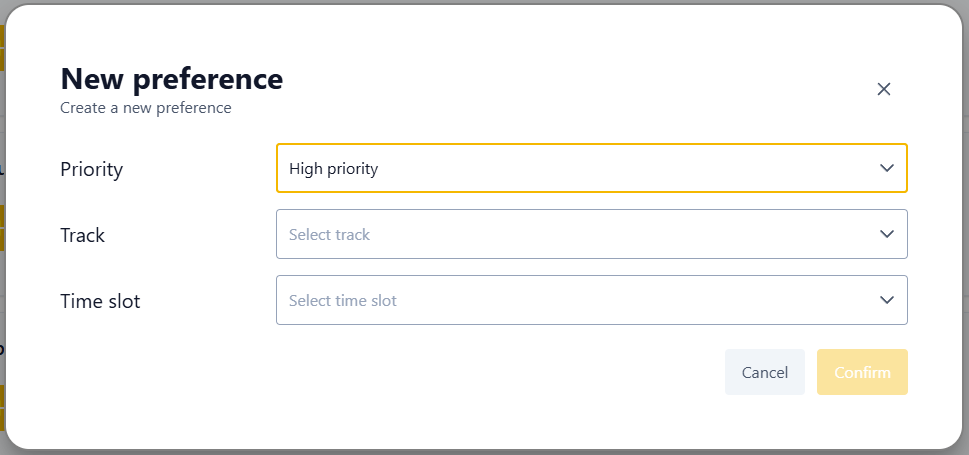
You provide your moderation preference by defining a set of talk slots for a priority category. This can be done by clicking on Add to open the creation dialog. Here, you specify the track and timeslot you prefer.
The number of preferences you can provide is limited for each priority. You can alter or delete a preference directly in the ui with the dropdown menus and the trash-icon respectively.